
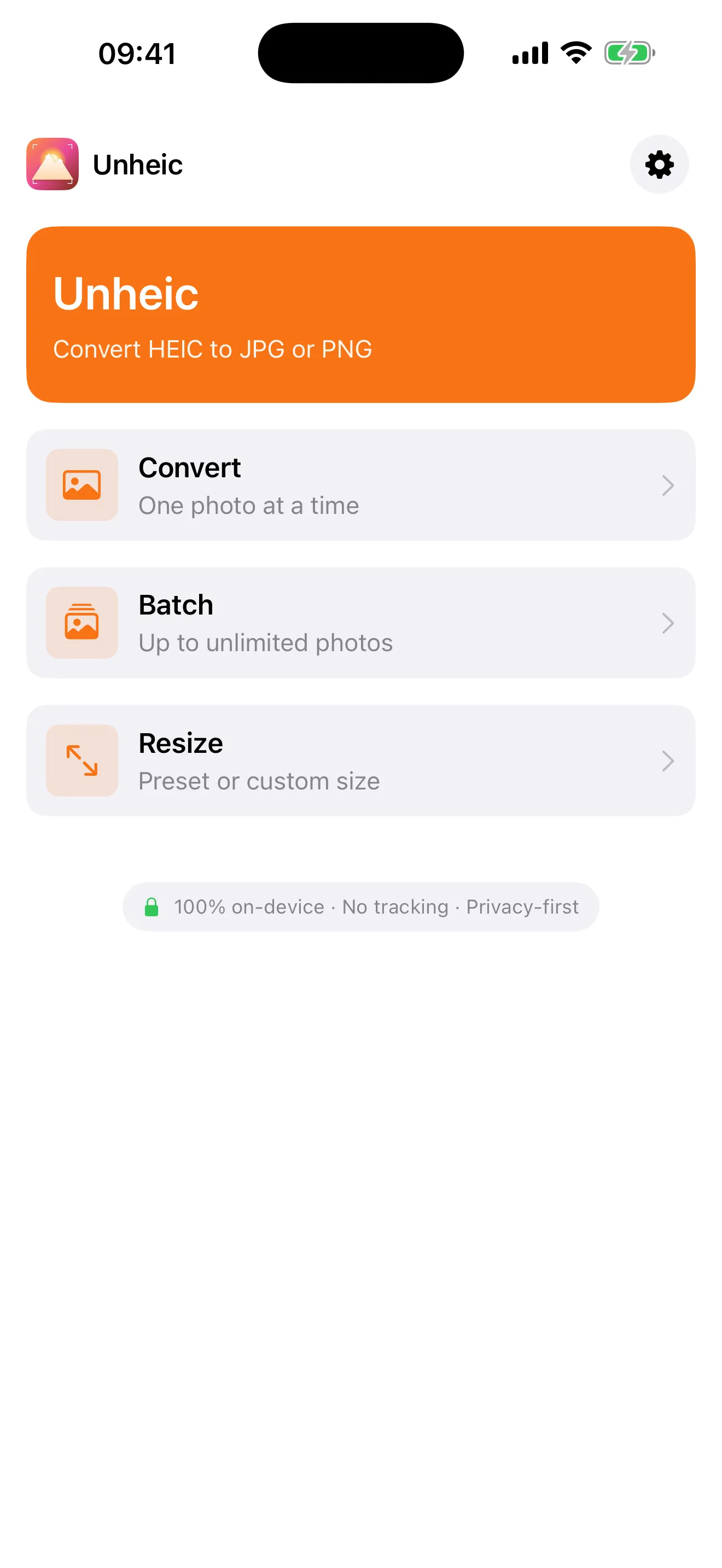
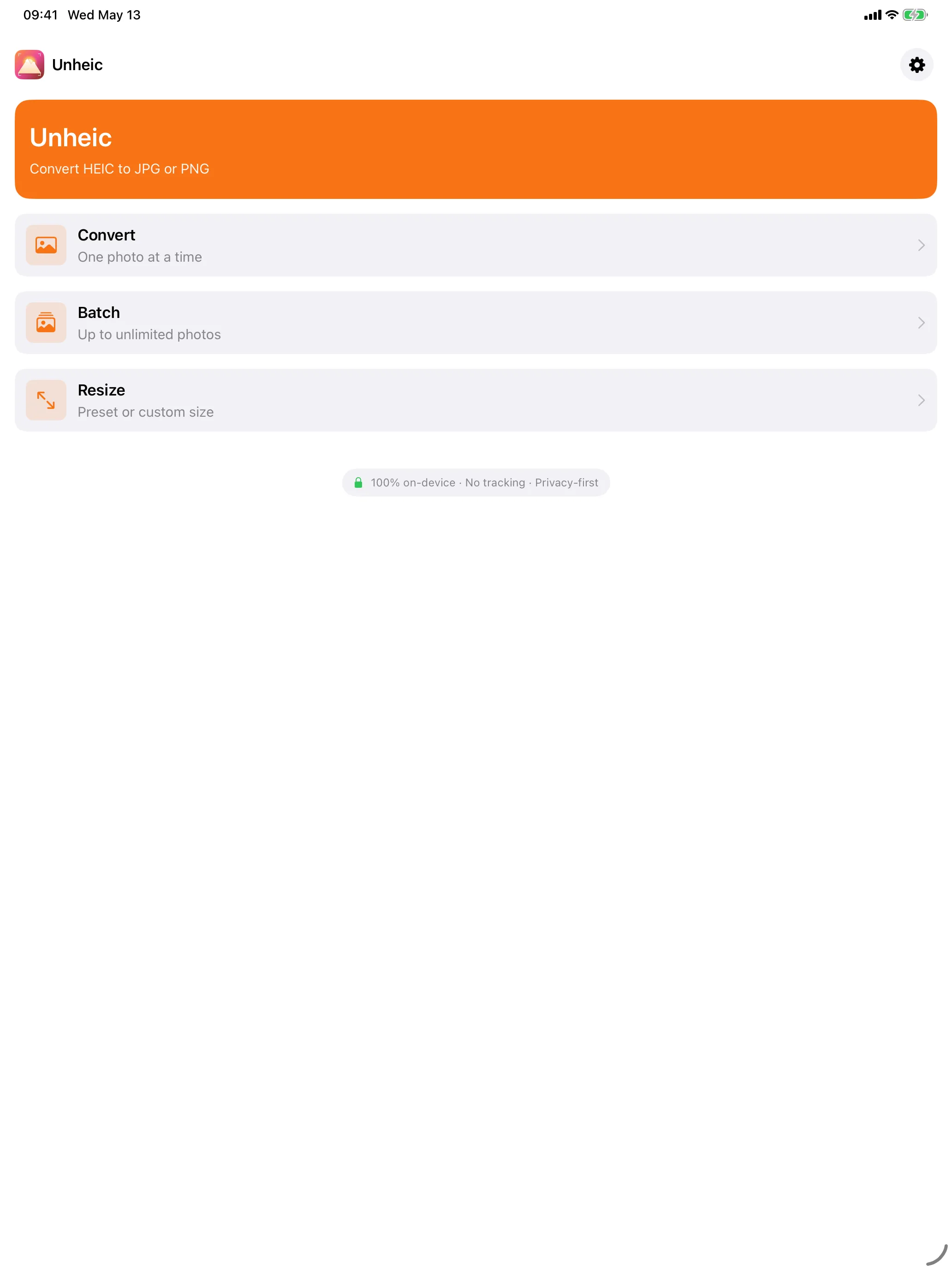
Convert HEIC photos to JPG or PNG in seconds — without uploading a single byte. Unheic is a focused, native iOS utility that turns iPhone’s modern photo format into the universal formats that every other app, website, and platform still expects. Pick one photo, a batch, or share straight from the Photos app. Resize while you’re at it. Done.
Most “HEIC converter” apps in the App Store ship with paywalls behind every tap, ads between every screen, and shadowy uploads to servers you’ve never heard of. Unheic doesn’t. Pay once. $4.99. No subscriptions, no ads, no tracking. Ever.
Features
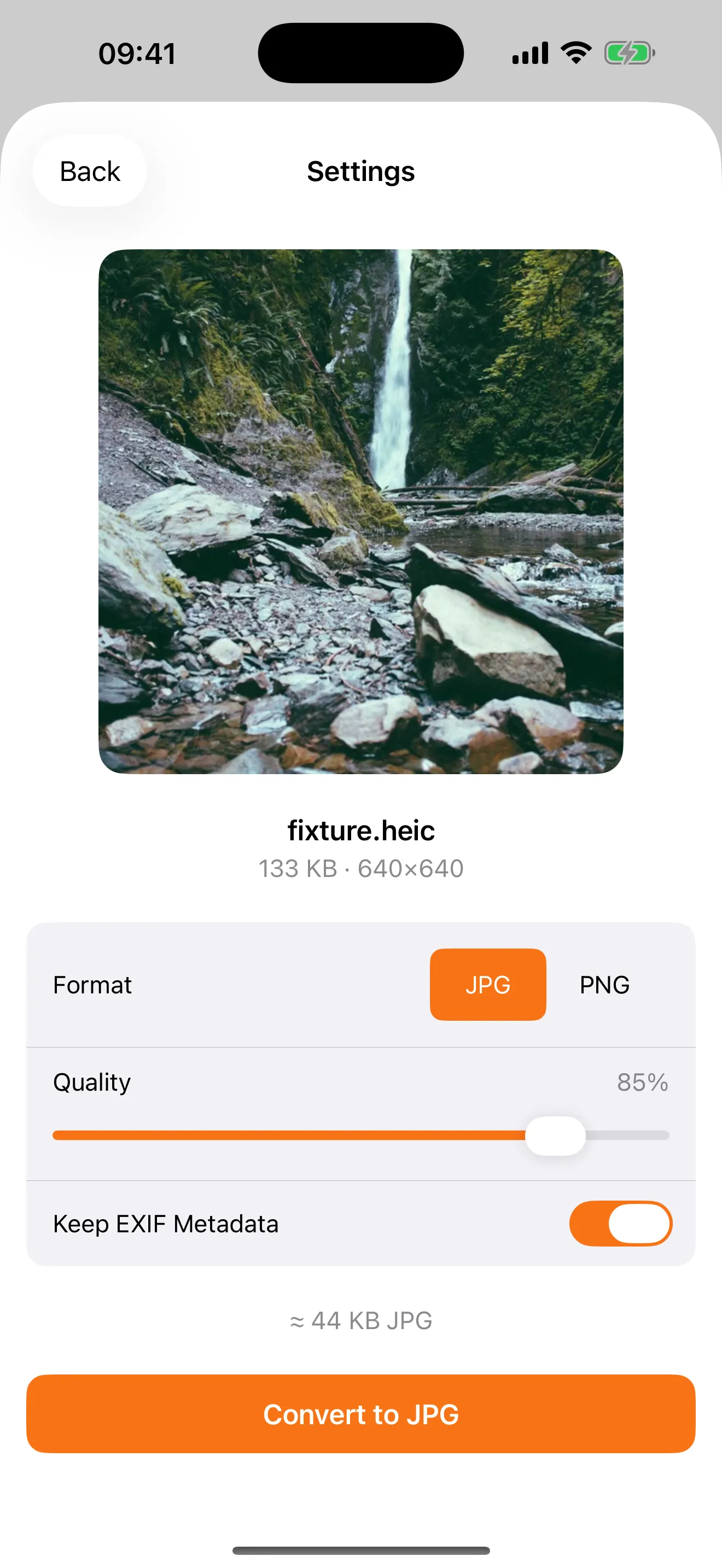
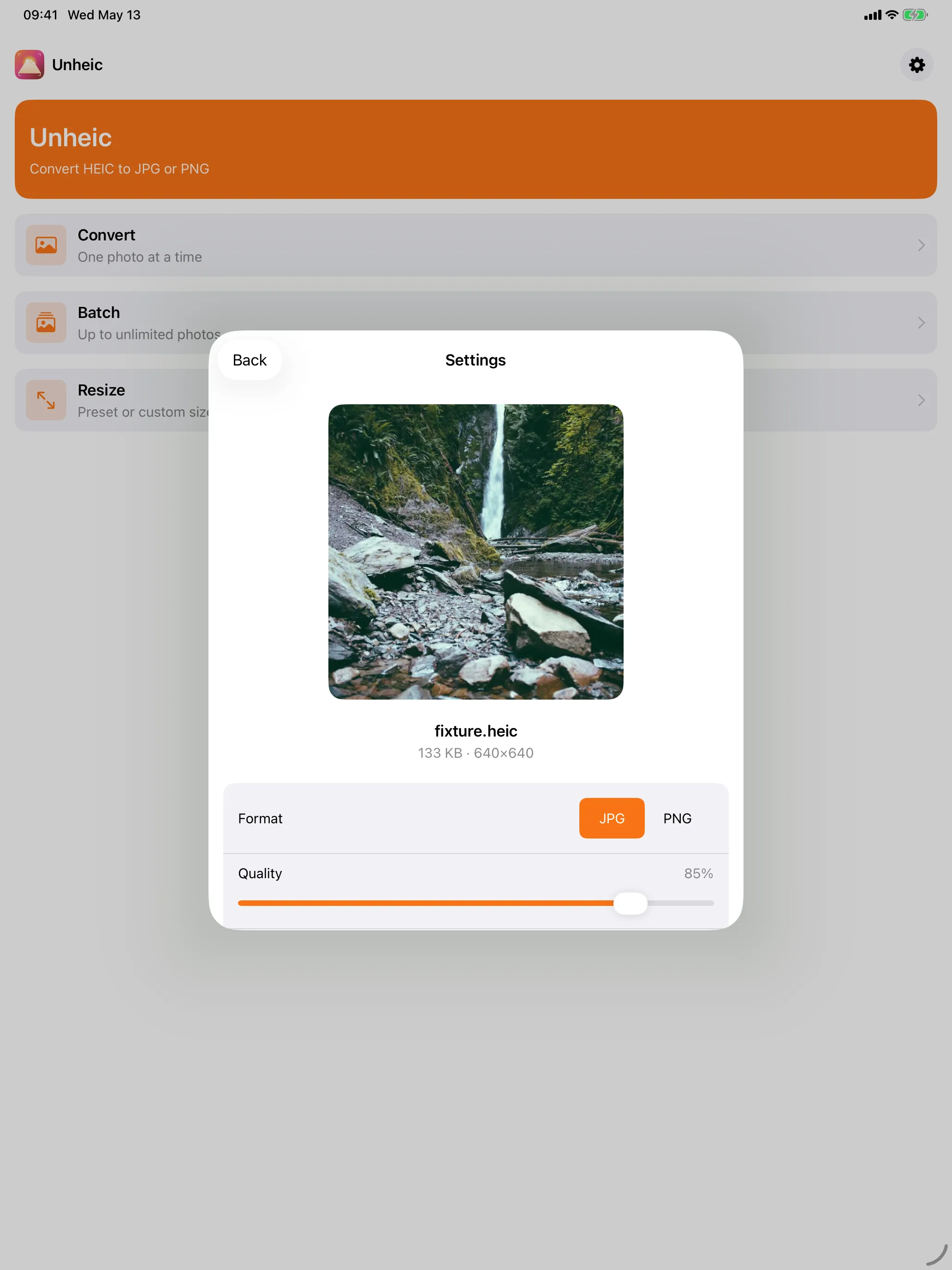
Single Photo Convert
Pick any HEIC from your library, choose JPG or PNG, pick a quality, hit convert. Save back to Photos, share, or export anywhere. Free forever — Pro removes the watermark.
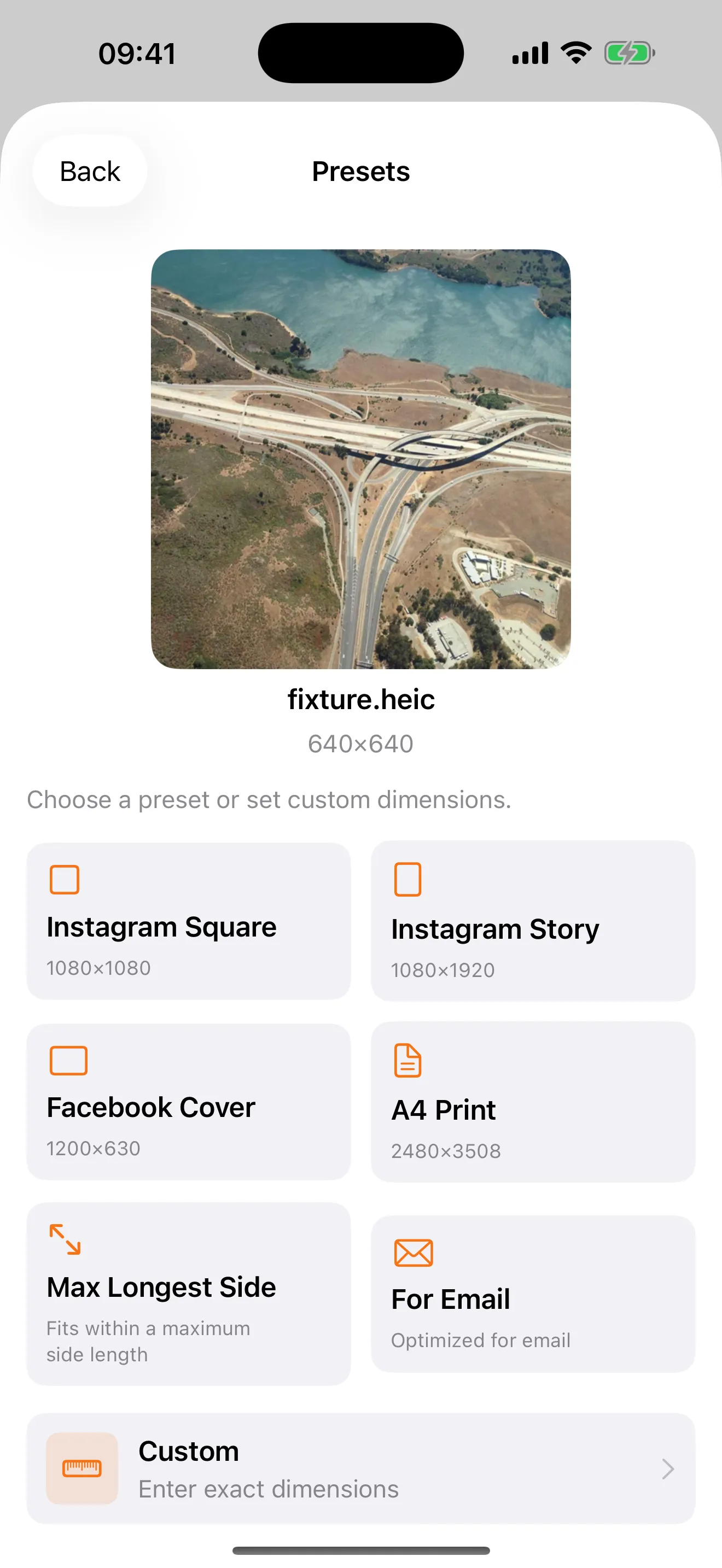
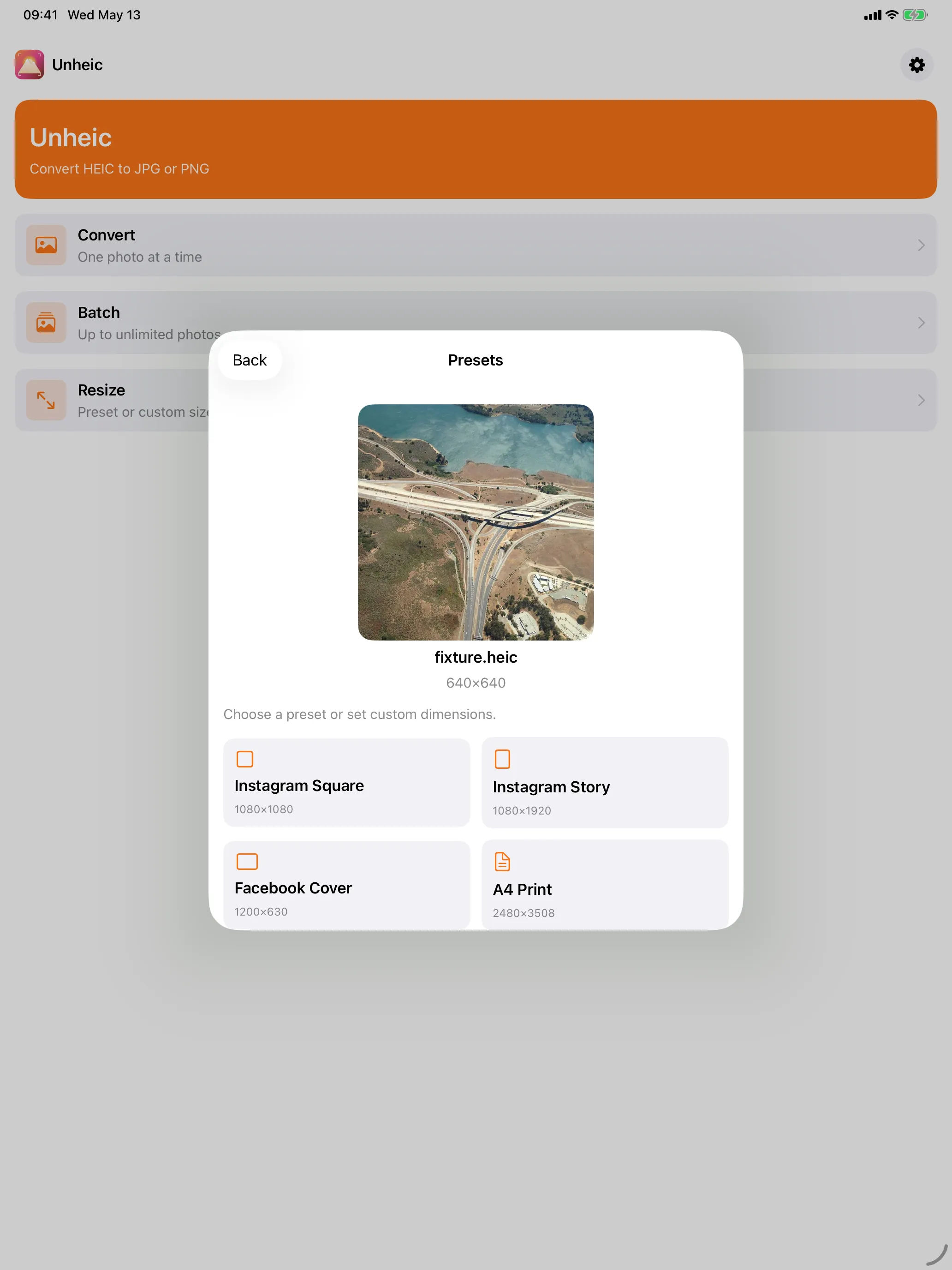
Smart Resize
Resize while converting. Pick a preset (For Email, Facebook Cover, Instagram Story, and more) or set a custom width and height with optional aspect-ratio lock. Catch the savings preview before you commit. Free forever — Pro removes the watermark.
Share Extension
Convert without leaving the Photos app. Tap Share on any HEIC, pick Unheic, and the converted JPG or PNG lands right in the share sheet, ready to send. Free forever — Pro removes the watermark.
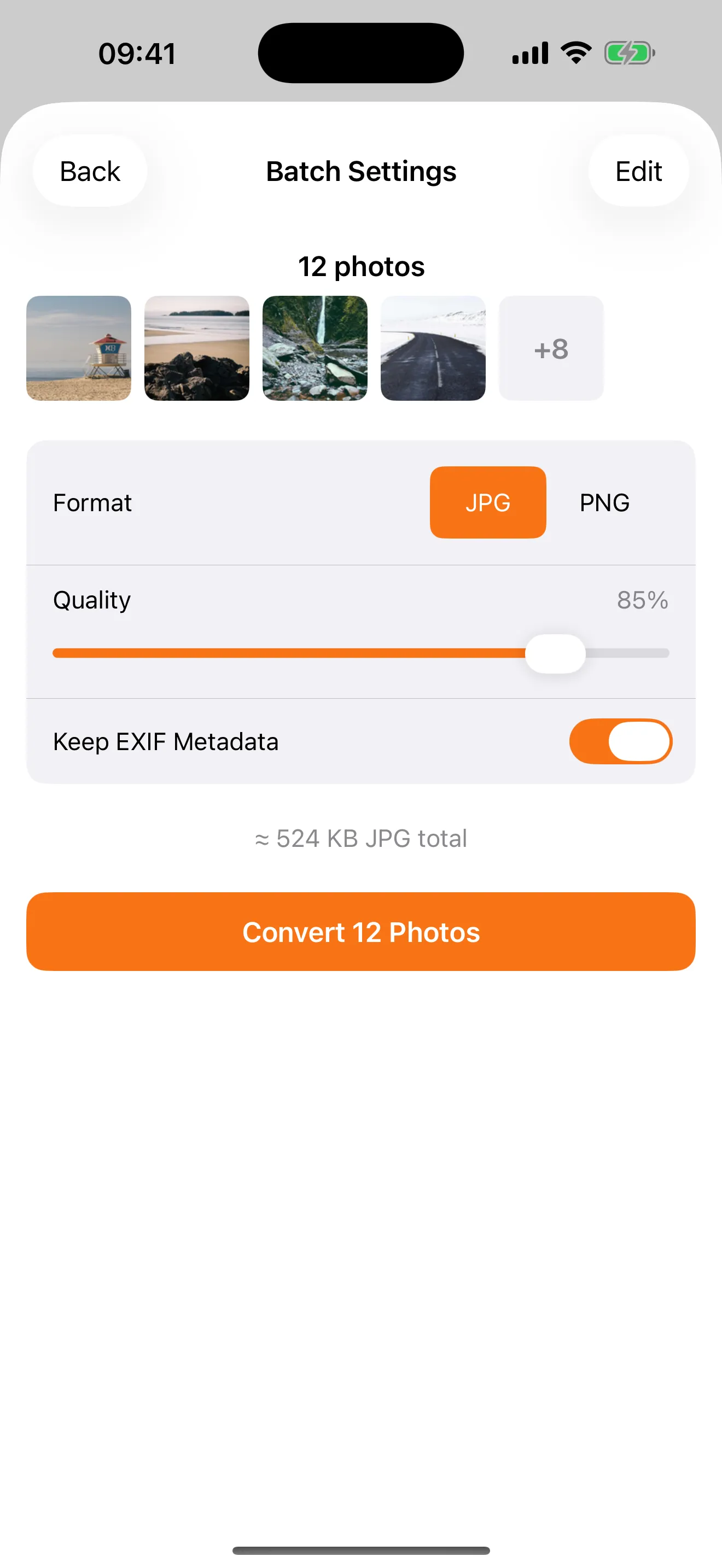
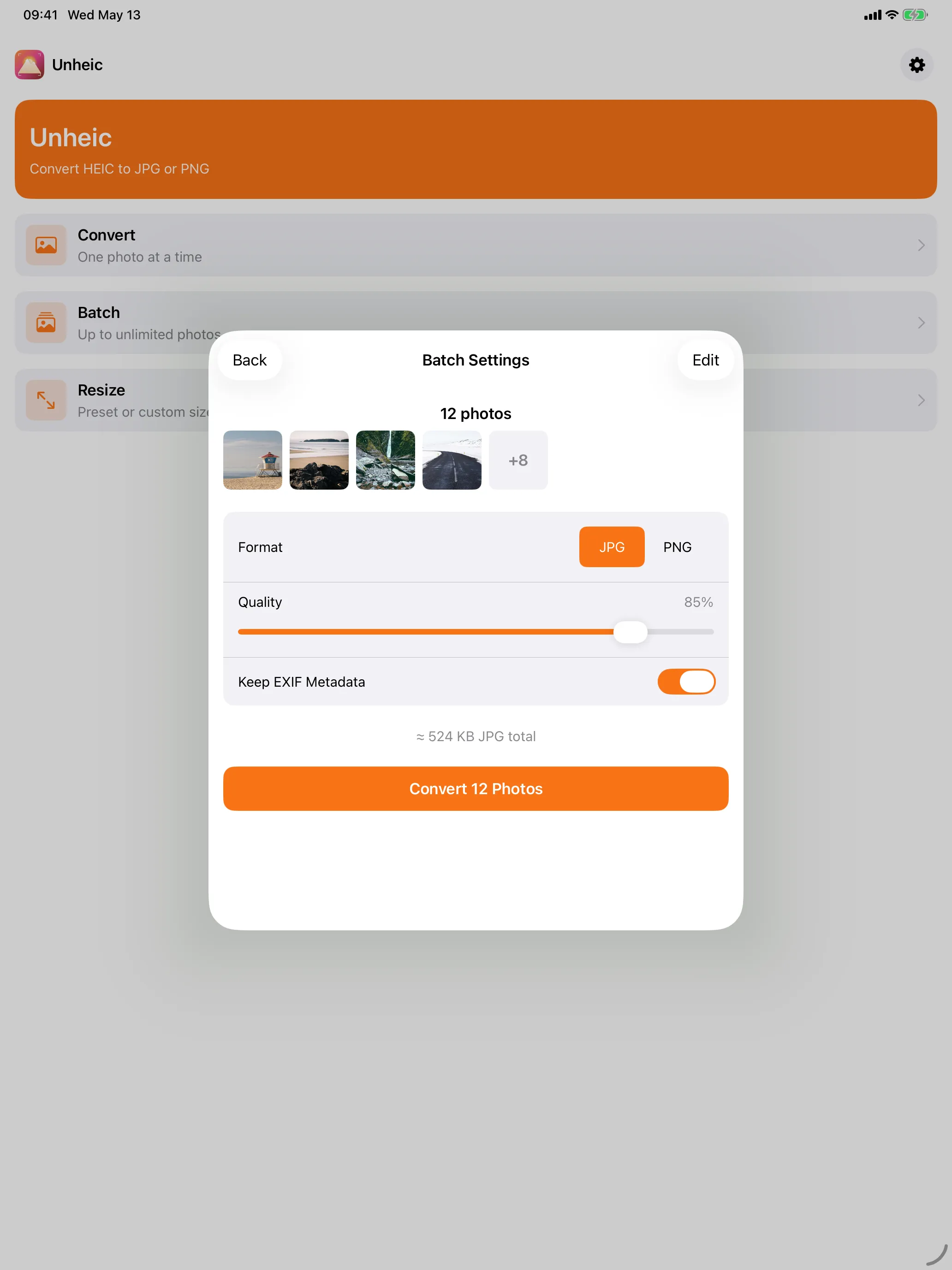
Batch Conversion (Pro)
Select up to 50 photos at once. Watch them convert in parallel — bounded for stability, fast enough to finish before you switch back to the home screen. Save the whole batch to Photos in a single atomic operation.
App Intents, Siri & Shortcuts
Drive Unheic from Shortcuts and Siri with App Intents: “Convert this HEIC to JPG”, “Resize for email” — automate your workflow without opening the app.
EXIF & Metadata Control
Keep EXIF and GPS data if you want it preserved across conversions, or strip it out for shareable, anonymized files. Your call, per-conversion.
Quality Presets
Adjust JPG quality with a clear slider and an estimated output size that updates as you tune it. No more guessing whether 0.7 is “good enough” for your use case.
iPad-Optimized
Universal app — designed for iPad and iPhone equally, with sheet sizes and layouts tuned for each. The full feature set on both.
Privacy You Can See
Unheic is privacy-first by design, not by policy:
- No tracking. No analytics SDKs, no session recording, no fingerprinting.
- No ads. Ever. Not even in the free tier.
- No account. You never sign up, never log in.
- No servers. Your photos never leave your device.
- No data sharing. There’s literally nothing to share.
This isn’t a marketing stance. It’s an architecture decision. Unheic was built without a backend, so we couldn’t collect your data even if we wanted to.
Pricing
Pay once. $4.99. No subscriptions, no ads, no tracking. Ever.
Free forever
- Single-photo HEIC → JPG / PNG conversion (with a small watermark)
- Smart Resize with presets and custom dimensions (with a small watermark)
- Share Extension from the Photos app (with a small watermark)
- Quality slider and EXIF toggle
- App Intents and Siri integration
Unheic Pro — $4.99 one-time
Everything in Free, plus:
- Batch Conversion — convert up to 50 photos at once
- Clean output everywhere — no watermark on Single, Resize, or Share Extension results
- All future Pro features included — lifetime
No subscription. No recurring charge. One purchase, restored across every device signed into your Apple ID.
FAQ
Why convert HEIC at all?
HEIC saves space on your iPhone, but lots of apps, services, and platforms still only accept JPG or PNG. Unheic gets your photos out of HEIC quickly, on your device, without uploading them anywhere.
Does it work offline?
Yes. Unheic does not require an internet connection. All conversions happen on-device.
Do you upload my photos anywhere?
No. Unheic has no backend. Your photos never leave your phone unless you save or share them yourself.
Is Pro a subscription?
No. “Unheic Pro” is a one-time $4.99 purchase, restored across all your devices via your Apple ID.
Can I really use the app for free?
Yes. Single conversion, Smart Resize, and the Share Extension all work in the free tier — the only difference is a small watermark on the output. Try the app on real photos before you decide whether Pro is worth $4.99 to you.
What does the watermark look like?
A small, unobtrusive “Unheic” mark in a corner. It doesn’t cover the subject of your photo and doesn’t destroy the image, but it’s visible enough that you wouldn’t want it on something you’re sending to a client or printing. Pro removes it everywhere.
Does it support iPad?
Yes. Unheic is a universal app, fully optimized for both iPhone and iPad.
What about Mac or Apple Watch?
Not at launch. iPhone and iPad first. We’ll see where the roadmap takes us.
Requirements
- iOS 26.0 or later
- iPadOS 26.0 or later